Intended use
Use these prompts for a 10–20 second introduction to an education, community or professional-development programme. Prepare a verified event brief before generation so that activities, participants and venues are not invented. Generate the visual without event text; add the verified title, date, logo, captions and call to action in a video editor.
Variables
{{PROGRAMME_THEME}}— theme and realistic outcome.{{PARTICIPANT_ACTIVITY}}— an activity actually planned.{{VENUE_CONTEXT}}— a plausible Malaysian location.{{AUDIENCE}}— intended participants.{{ASPECT_RATIO}}— 9:16 or 16:9.{{BRAND_PALETTE}}— approved accent colours.
Prompt 1 — 15-second montage
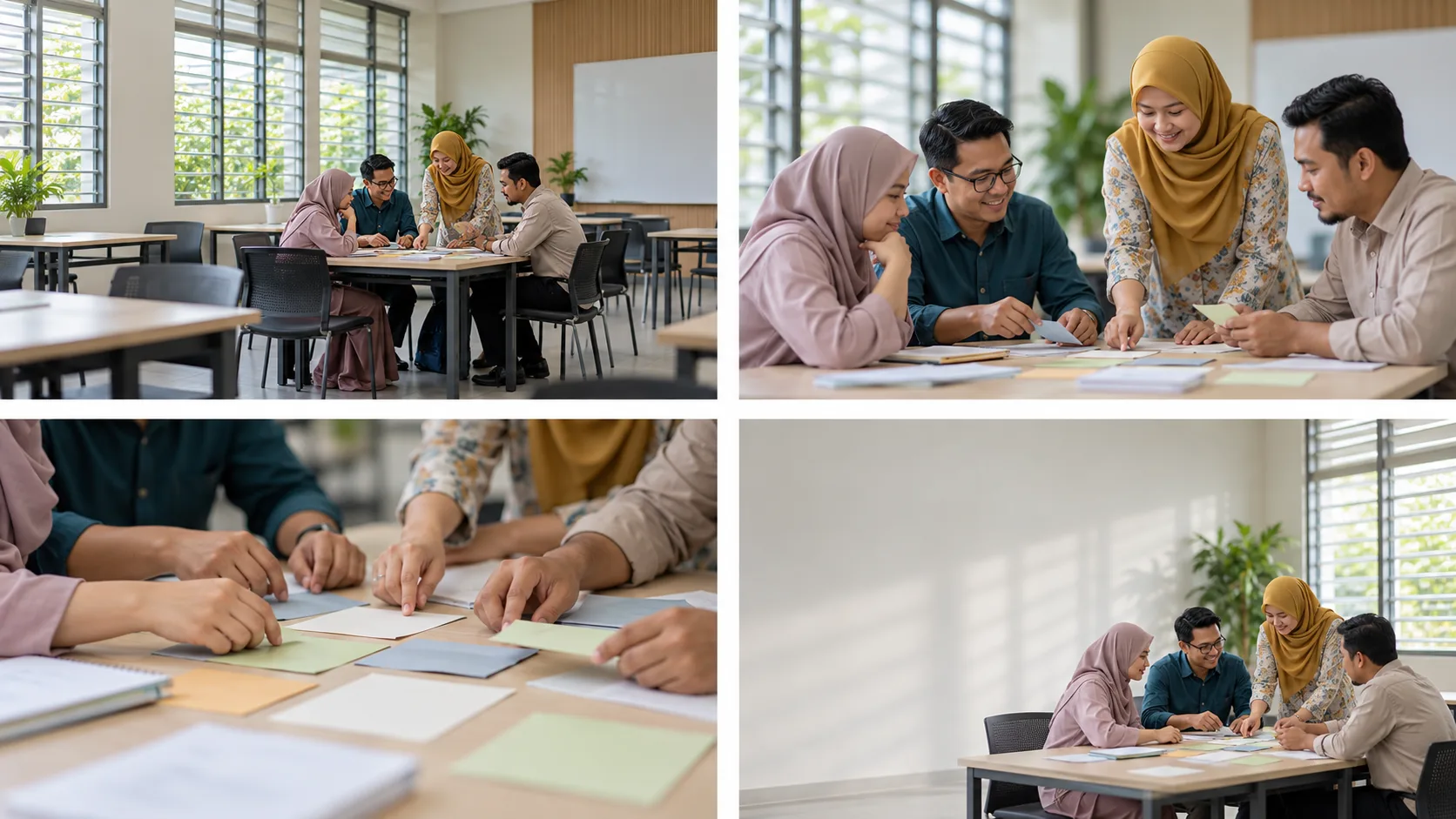
Create a 15-second {{ASPECT_RATIO}} promotional video for a {{PROGRAMME_THEME}} programme intended for {{AUDIENCE}} in {{VENUE_CONTEXT}}. Keep the tone optimistic, professional and credible in a contemporary Malaysian context without stereotypes.

Sequence:
- 0–3 seconds: clean wide establishing shot, slow controlled dolly in.
- 3–7 seconds: medium shot of participants naturally performing {{PARTICIPANT_ACTIVITY}}.
- 7–11 seconds: two detail shots of materials, hands and collaborative work with consistent anatomy and objects.
- 11–15 seconds: calm end frame with generous negative space for the title, date and call to action to be added later.

Use soft daylight, a neutral palette with {{BRAND_PALETTE}} accents, clean cuts, controlled camera movement and continuity of clothing, space and participants. No generated text, logos, flags, official emblems or spoken audio. Do not depict outcomes, facilities or activities that are not planned. Avoid changing faces, extra limbs, jumping objects, rapid movement, flicker and cultural stereotypes.
Prompt 2 — one-shot announcement clip
Create one 10-second {{ASPECT_RATIO}} promotional shot in {{VENUE_CONTEXT}}. Move the camera slowly from programme materials in the foreground to a small group of {{AUDIENCE}} performing {{PARTICIPANT_ACTIVITY}}, then settle with blank space on the left for event information. Keep it professional, warm and realistic. No text, logos, speech or outcome claims.
Suggested workflow
- Ensure scenes reflect the experience actually planned.
- Generate clips without text, logos or official voice-over.
- Review faces, bodies, clothing, objects and location frame by frame for continuity.
- Add verified details, genuine logos, captions and licensed audio during editing.
- Export a captioned version and check readability on a phone.
Limitations and responsible use
Generated video is not footage of the real programme. Do not present it as participant documentation or evidence of outcomes. Secure rights for music, logos and added assets. Do not use a real person’s likeness without permission.